.png?width=300&height=76&name=Logo_Chromatic(Formerly%20Quil%20LG).png)
1. Log into CoRecruit
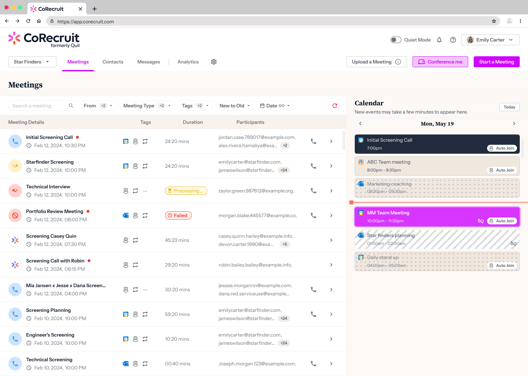
- After logging into CoRecruit you will be brought to the CoRecruit dashboard.
2. Start a Meeting
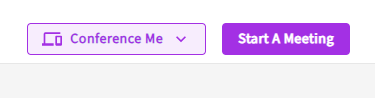
- Left click on the purple button that says "Start a Meeting" in the top right corner.
- Name the new meeting.
- Select a Meeting Type.
3. Upload a recording
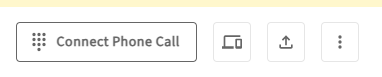
- To the right of "connect Phone Call", and to the left of the ellipsis there will be an upload icon. Left click it and left click on the same icon in the pop-up box to select an audio file.
- Select the file you would like to be transcribed.
Tip: Here you can upload either .mp3 files, or .wav
- Click on Upload and Finish
- Wait for the call to be transcribed.
If you require additional help, reach out to your main point of contact at CoRecruit or email support at support@corecruit.com.