.png?width=300&height=76&name=Logo_Chromatic(Formerly%20Quil%20LG).png)
1. Log into CoRecruit:
- Start by logging into your CoRecruit account. Once logged in, you'll be directed to the overview page.
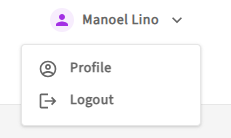
- Right click your name in the top right corner, and select profile.
2. Profile
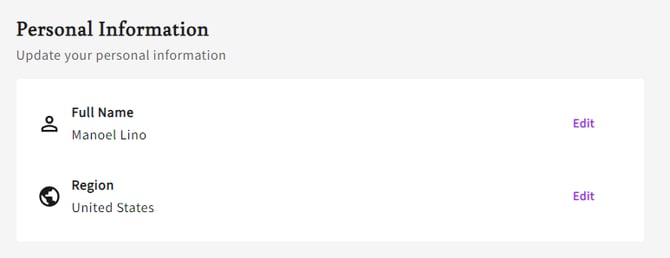
- From here you will see your personal information; under personal information there are two options, Full Name and Region.
3. Region
- From this screen you will be able to change your CoRecruit calling region.
- The region you should select is the main region that you are calling to, or a region similar to the one you are calling.
Contact Support: If you need further assistance, reach out to your main point of contact at CoRecruit or email support at support@corecruit.com.