.png?width=300&height=76&name=Logo_Chromatic(Formerly%20Quil%20LG).png)
Log into CoRecruit
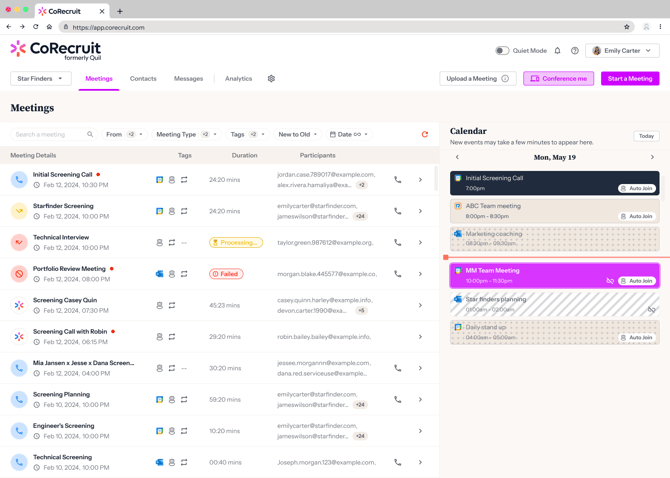
Start by logging into your CoRecruit account. Once logged in, you'll be directed to the overview page.
Access the Integrations
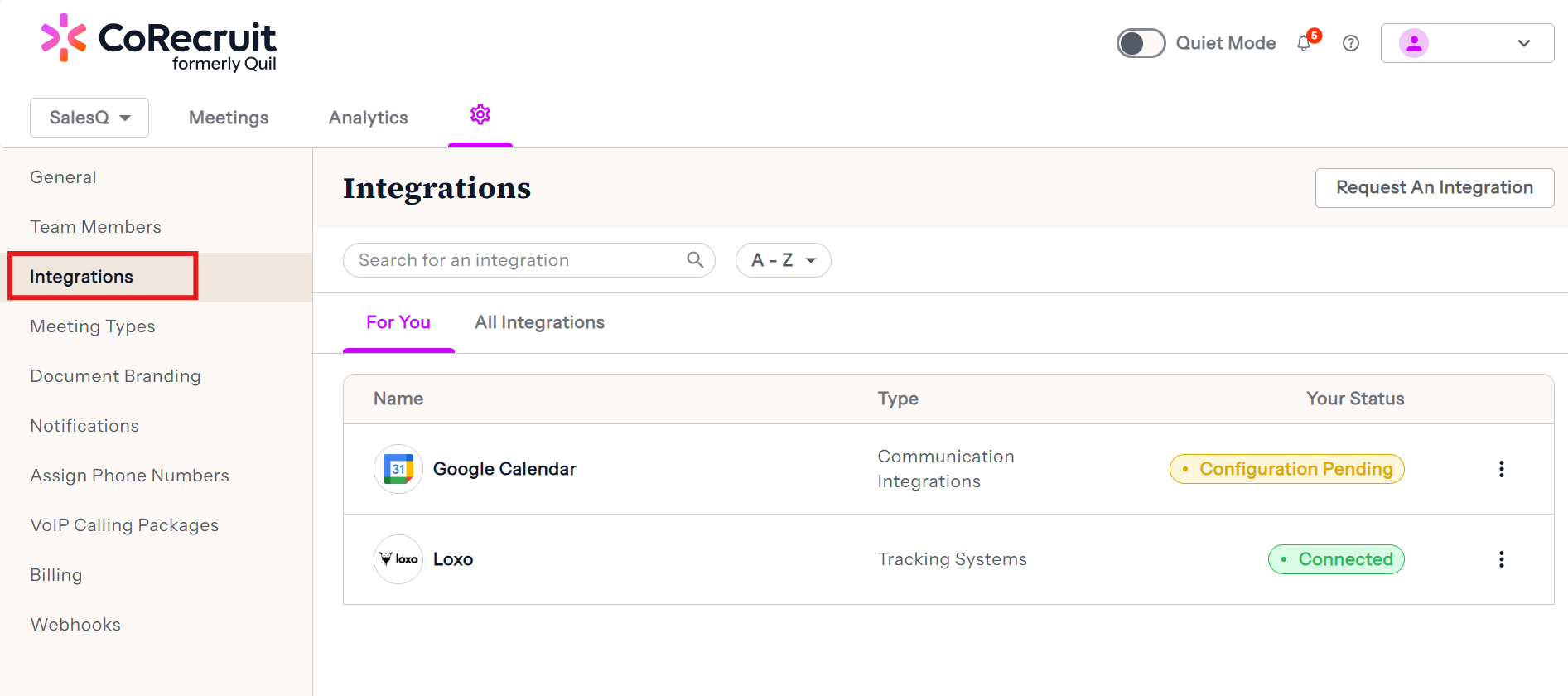
From the overview page click on the gear icon, and then click on integrations. You will see a list of CoRecruit's supported integrations.
Connecting an Integration
From this page you will be able to connect an integration. Integrations may require special keys or credentials in order to connect. For resources about connecting a specific integration we recommending searching the knowledge hub for that exact integration by name.
Disconnecting an Integration
This page allows you to disconnect easily integrations. Integrations that are already connected will show a red "Disconnect" button. Clicking that button will immediately remove the integration from your CoRecruit account.