.png?width=300&height=76&name=Logo_Chromatic(Formerly%20Quil%20LG).png)
Where to find CoRecruit's Analytics Page
To access CoRecruit's analytics page, from the overview homepage click on the "Analytics" tab.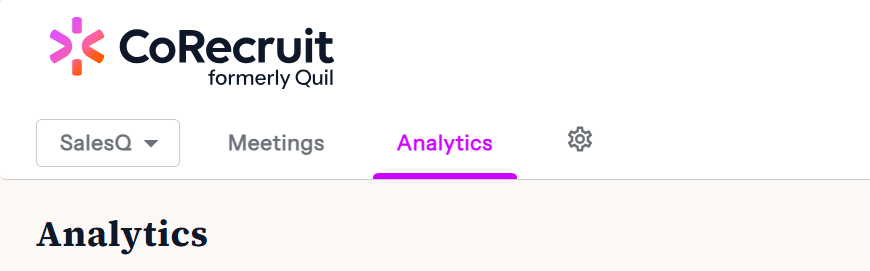
CoRecruit's Analytics
Using CoRecruit's analytics page you can verify a couple of different statistics.
Calls can be filtered using the filter in the top right corner by the person or the period.
After specifying the period you would like to have reported you can verify the statistics using the line graph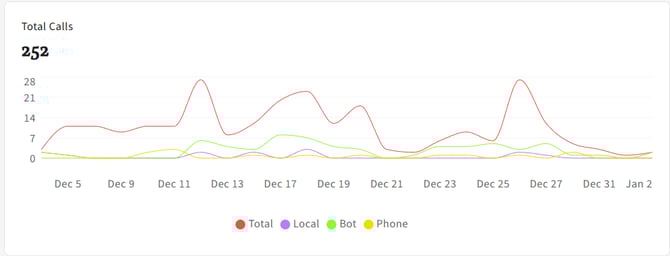
Total being the total number of calls attempted in the day
Local is the total number of calls recorded using the local microphone
Bot is the total number of calls recorded using the video conference bots
Phone being the total number of calls being over 60 seconds recorded using the extension
Under the main analytics, you will also find a "Leaderboard" that shows individual statistics for different team members.
