.png?width=300&height=76&name=Logo_Chromatic(Formerly%20Quil%20LG).png)
To have CoRecruit manually join only selected video calls follow this step by step guide
Tip: If you want CoRecruit to join automatically, please see THIS page.
1. Log into CoRecruit:
- Start by logging into your CoRecruit account. Once logged in, you'll be directed to the overview page.
2. Start a New Meeting:
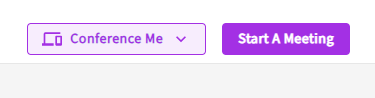
- Click on "Start A Meeting" in the top right corner.
- Name the new meeting.
- Select the meeting type you would like to use.
3. Connect Meeting Bot
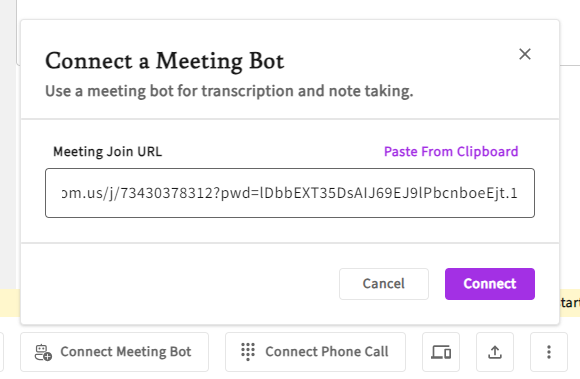
- Click on the second option in the bottom left corner.
- Paste the video conference link in the pop-up box.
4. Verify the Video Conference
- Open the video conference
- Verify that your note taker has joined
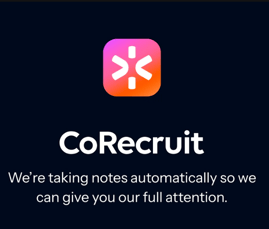
Note: The Note Taker will only start transcribing after it's image shows up.
If you require additional help, reach out to your main point of contact at CoRecruit or email support at support@corecruit.com.