.png?width=300&height=76&name=Logo_Chromatic(Formerly%20Quil%20LG).png)
Looking for the integration list in CoRecruit? Please see here for instructions on how to view the integrations.
How to Setup
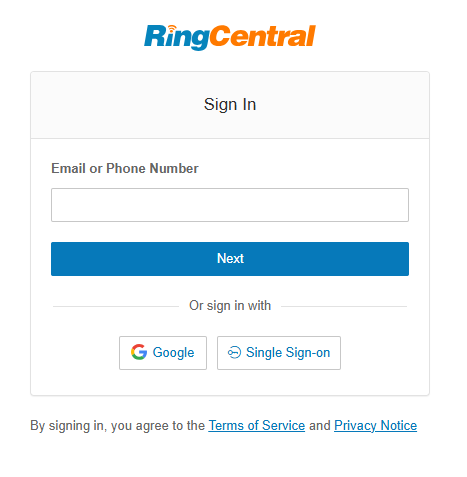
Setup for CoRecruit's integration with RingCentral requires only a login; username and password.
How it works
Using CoRecruit's integration with RingCentral, all recorded calls have their audio file sent over to CoRecruit to be transcribed and have notes taken!
To do so, make sure all calls that you want to have notes on generated on to be recorded.
How to Record calls:
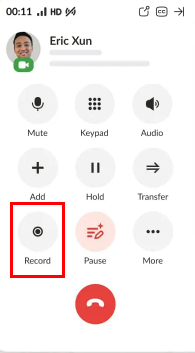

With the a completed call, CoRecruit will use the phone number from the call to search your ATS/CRM for a candidate record, to then push the notes to record. When using the RingCentral integration all completed and recorded calls will default to your default meeting type.
Tip: To select a default meeting type, please see our help article HERE
Important: Make sure to record your voice biometrics for the best results!
How to set-up Voice Biometrics
If you require additional help, reach out to your main point of contact at CoRecruit or email support at support@corecruit.com.