.png?width=300&height=76&name=Logo_Chromatic(Formerly%20Quil%20LG).png)
Where the notes go
After notes are submitted, they will appear in the Personal Notes section on the Contact record you selected.
CoRecruit's Jobin integration only allows linking records with Contacts.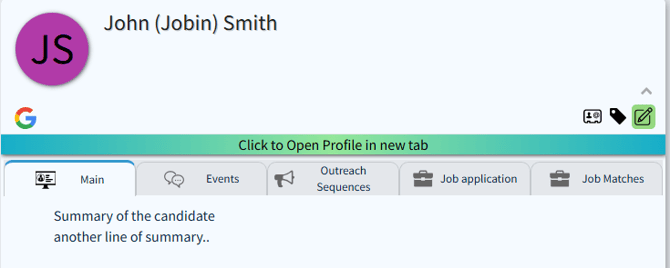
How to Setup
Setup for the integration with Jobin requires email verification.
Follow the prompts in Jobin to verify your email and enable the connection with CoRecruit.
For more details on where to set up your integration, please read this article on managing your integrations
Activity Types Supported
❌ Activity Types are not supported in CoRecruit’s integration with Jobin.
Database Fields
❌ CoRecruit does not support updating native or custom fields in Jobin at this time.
Follow-Up Material
✅ Follow-up materials, such as documents or summaries, can be attached directly to Jobin records via CoRecruit.
Supported Features
| Feature | Supported |
|---|---|
| Create notes | ✅ Yes |
| Update notes | ✅ Yes |
| Activity types | ❌ No |
| Standard field updates | ❌ No |
| Custom field updates | ❌ No |
| Document uploads | ✅ Yes |
| Chrome extension | ✅ Yes |
Need Help?
For additional help with setting up or managing the Jobin integration, please contact your CoRecruit representative or reach out to support@corecruit.com