.png?width=300&height=76&name=Logo_Chromatic(Formerly%20Quil%20LG).png)
Where the notes go
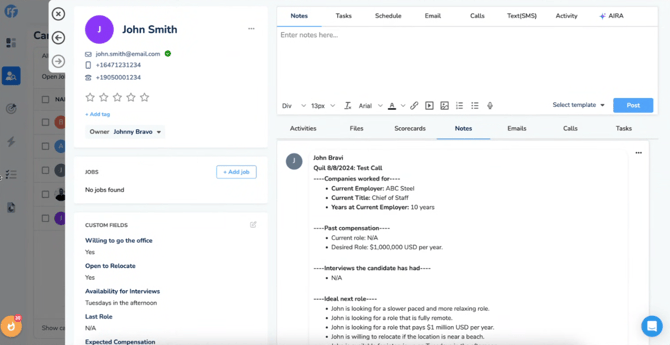
After submitting notes, they will appear in the “Notes” section on the candidate or contact record you selected.
If you edit a note after submitting it, CoRecruit replaces it in RecruiterFlow.
How to Setup
Setup for the integration with RecruiterFlow requires an API Key.
To obtain an API Key:
-
You must contact RecruiterFlow Support directly to request your API credentials.
For more details on where to set up your integration, please read this article on managing your integrations
Activity types supported
Activity types are not currently supported in CoRecruit’s integration with RecruiterFlow.
Database Fields
CoRecruit's integration with RecruiterFlow supports custom fields of type Text, Boolean and Money. Standard (system) fields are not supported.
Database Documents
CoRecruit's Follow-up material can automatically or manually be uploaded to RecruiterFlow if a record is linked. Documents are uploaded to RecruiterFlow as Attachments.
Supported Features
| Feature | Supported |
|---|---|
| Create notes | ✅ Yes |
| Update notes | ⚠️ Partial — Editing a note replaces it in RecruiterFlow |
| Activity types | ❌ No |
| Standard field updates | ❌ No |
| Custom field updates | ✅ Yes |
| Document uploads | ✅ Yes |
| Chrome extension | ✅ Yes |